How it connects
source
Source (PC / player / camera)
processor
NovaStar processor
controller
Sending & receiving cards
wall
LED wall
The challenge
What usually goes wrong on this kind of project, and why it is worth specifying around.
The first ten minutes lost to the display
Your visitor's first impression is someone crouched under the table.
Projectors need dimmed lights, warm-up and a working cable. Meetings begin with someone crouched under the table while everyone else waits, and in a client meeting that fumble is the first thing your visitor learns about how the company operates.
A washed-out image in a room with windows
Blinds down, room gloomy, picture still grey.
Modern offices are glazed, and a projector cannot compete with daylight. The blinds come down, the room becomes gloomy, and the picture is still grey. Every subsequent meeting works around the display rather than with it.
Lamps, filters and drifting colour
A small recurring cost and a steady daily annoyance.
Projector lamps dim steadily and are replaced on a schedule that never quite matches when they actually fail; filters need cleaning; colour drifts as the lamp ages. It is a small recurring cost and a steady low-level annoyance in a room used every day.
Detail that does not survive the back of the table
People stop reading the screen and ask for the deck by email.
Financial models, drawings and dense slides are routine in a boardroom, and a display without the resolution or contrast to hold small text turns the far end of the table into spectators. People stop reading the screen and start asking for the deck to be emailed.
How we specify around it
The decisions that separate a display that still works in year three from one that merely looked good on the quote.
On in seconds, every time
Meetings start when people sit down.
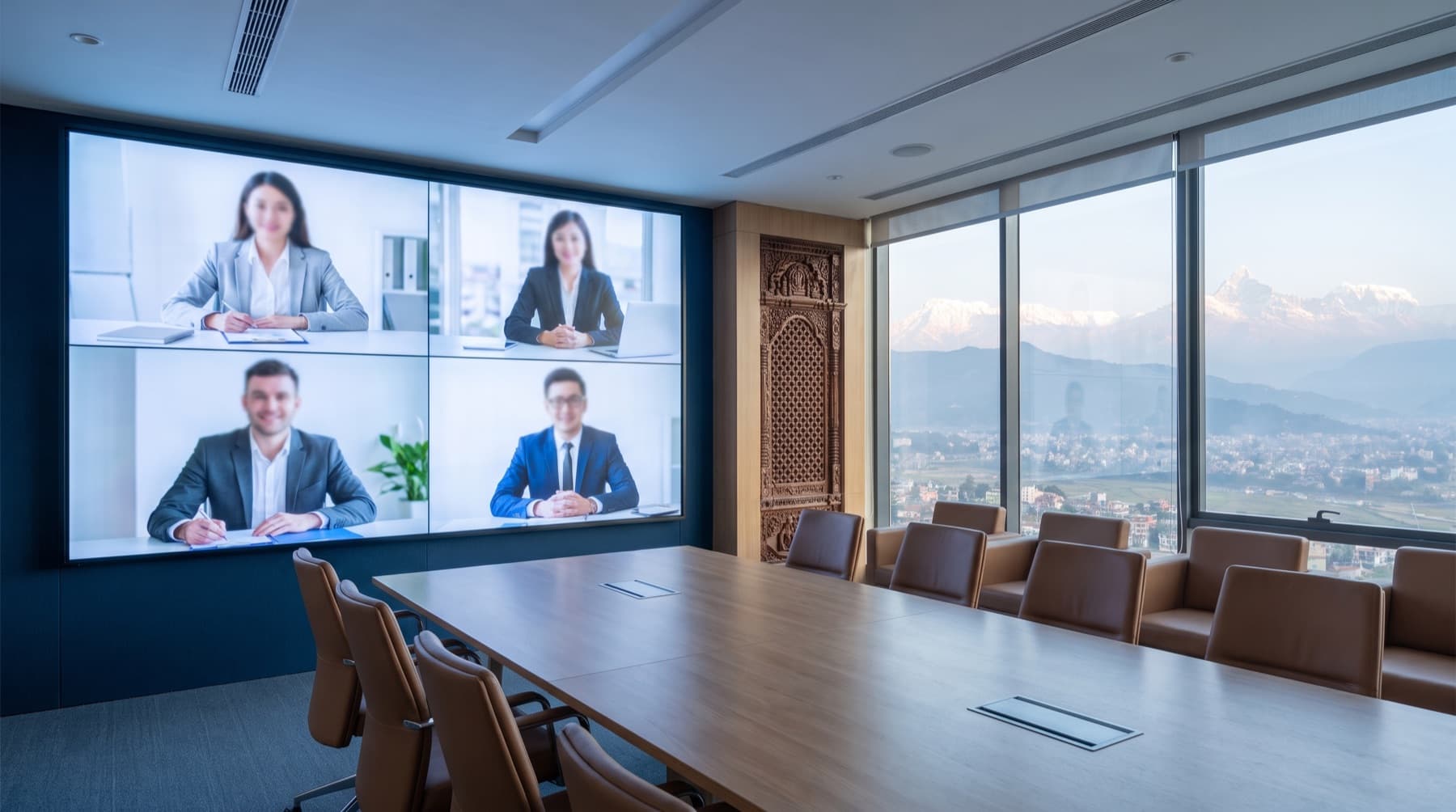
An all-in-one LED display powers on like a television, with no warm-up, no lamp and no calibration ritual. Meetings start when people sit down, which sounds trivial until you multiply it by every meeting in a year.
Bright enough to work with the blinds up
The room stays as it is.
LED comfortably out-performs projection in a lit room, so the display works in daylight with the room as it is. The blinds stay up, the room stays pleasant, and nobody negotiates with the lighting before presenting.
No lamps, no filters, a decade of service life
Usually cheaper over the room's life than the projector it replaced.
Nothing consumable to replace and no scheduled cleaning, with LED lifetimes measured in tens of thousands of hours. Over the life of a boardroom the total cost usually lands below the projector it replaced, before counting the meetings that started on time.
Fine pitch that holds small text
Everyone at the table is reading the same thing.
P1.2–P1.8 keeps spreadsheet rows and CAD linework legible from the far end of the table, with even brightness across the whole surface. Everyone in the room is reading the same thing, which is the entire point of putting a screen in it.
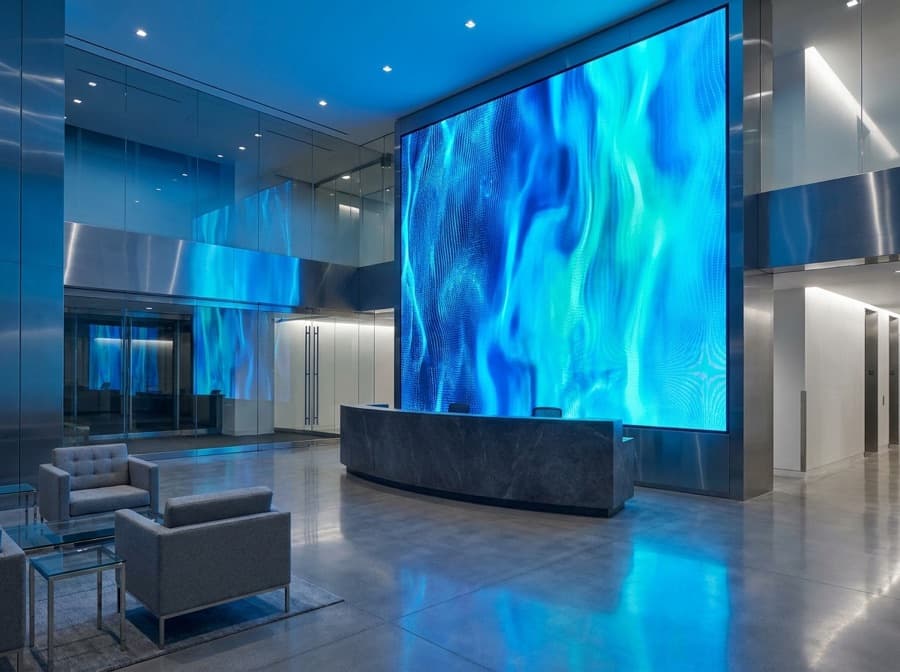
Reference installations worldwide
HQ boardroom
Kathmandu
P1.2 COB canvas replacing a projector, wireless BYOD.
Best value in Nepal
Lampro
sister brand to Unilumin · best value in Nepal · COB · DOOH · rental
View Lampro →Where it's used
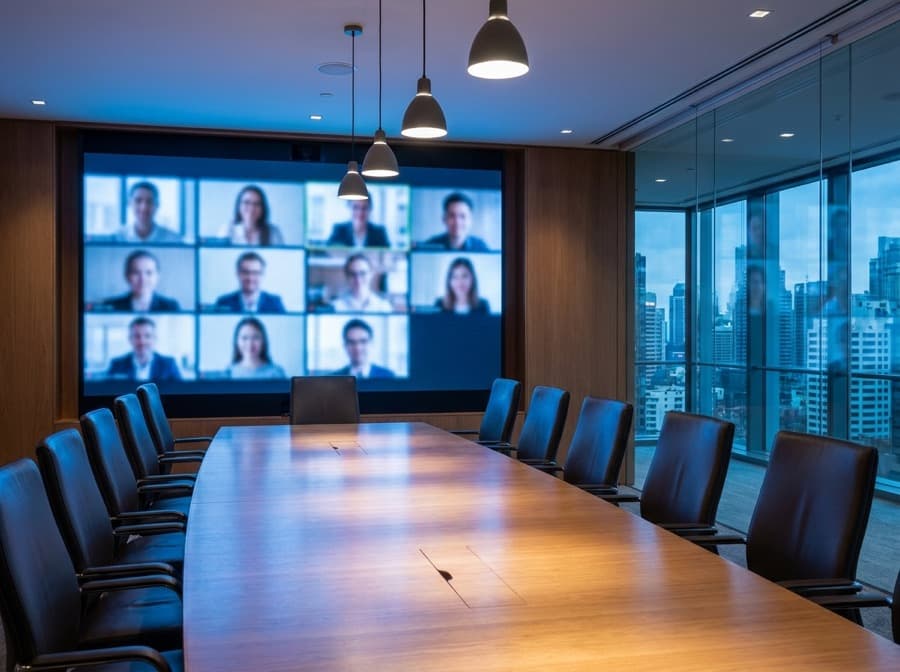
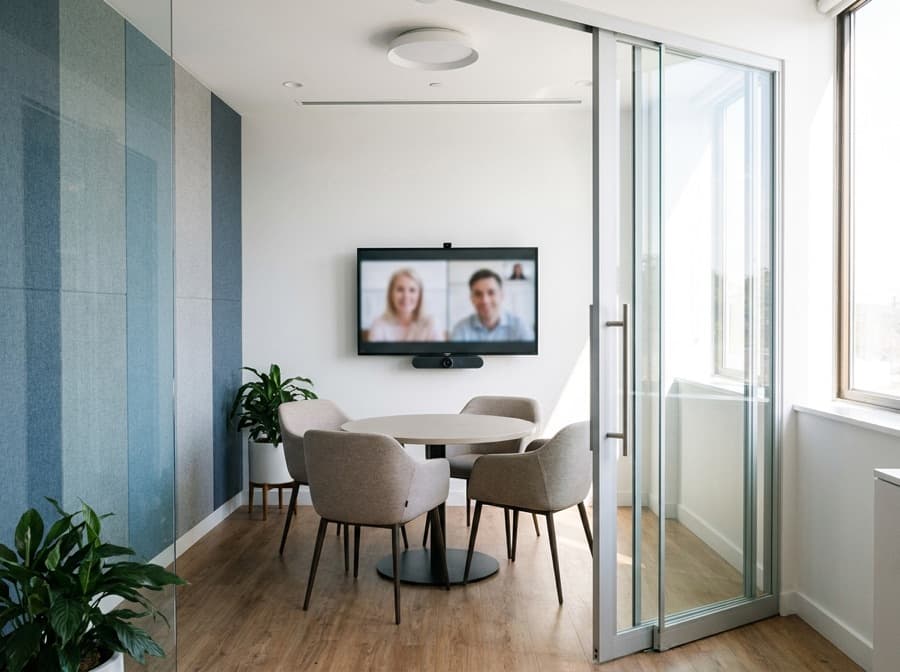
How we scope and deliver it
Seven stages, all handled by our own team. Nothing is subcontracted, which is why we can commit to the timeline at the point of quoting.
- 01
Site assessment
We come to the site and measure it — viewing distances, ambient light, sightlines, wall or ground conditions, and where the power and data will run. Free, and it is what makes the rest of the quote real rather than estimated.
- 02
Structural design
Mounting is engineered alongside the display, not after it. Steel structures are fabricated to suit the site, which for outdoor work means wind loading and foundations as much as the screen itself.
- 03
Specification & quotation
Pitch, size, brightness and IP rating chosen for how the screen will actually be used, then quoted as a complete system — panels, processing, structure, cabling and commissioning — so nothing surfaces later as an extra.
- 04
Supply
Genuine Unilumin product with CE and RoHS certification and full manufacturer authorisation — the documentation set government tenders require, which we hold from previous work.
- 05
Installation
Our own technical team, never subcontracted. A standard indoor or outdoor install between 2×1.5 m and 4×2.5 m takes two to three days including the mounting structure; spans over 6 m or awkward mounting typically run five to seven.
- 06
Commissioning & CMS
Point-by-point calibration, brightness and scheduling configured for the site, and the content management system set up so your team can change what plays without calling anyone.
- 07
Training & support
We train your staff on the system before we leave, then back it with a two-year warranty and spare modules held in Kathmandu — so a fault is a visit, not an import.
FAQ
All-in-one or a custom fine-pitch wall?
All-in-one units come in fixed sizes, arrive calibrated and install in a day — ideal for standard rooms and multi-room rollouts. A custom wall makes sense when the space is non-standard, when you want the display to fit the architecture exactly, or when the room is larger than the biggest all-in-one.
What pitch does a boardroom need?
P1.2–P1.8 for a room where people sit within a few metres and read detailed content. The rule of thumb holds: pitch in millimetres is roughly the closest comfortable viewing distance in metres.
How does the cost compare with a projector?
Higher at purchase, generally lower across the life of the room once lamps, filters, servicing and replacement are counted — and considerably better in daylight throughout. The comparison only favours projection if the room is rarely used.
Can people present wirelessly?
Yes — wireless presentation lets any laptop or phone put content on the wall without cables or adapters, which removes the most common reason meetings start late.
Does it work with our video conferencing?
It behaves as a standard display, so it works with Teams, Zoom, Google Meet and room systems. We normally specify the camera and audio alongside it so the whole room is designed together rather than assembled from parts.
How long will it last?
LED service life is measured in tens of thousands of hours — well over a decade of normal office use. The realistic replacement driver is changing requirements, not the display wearing out.
Talk to an expert about corporate av & meeting spaces
Tell us the site and the size — we survey, spec and quote it.